
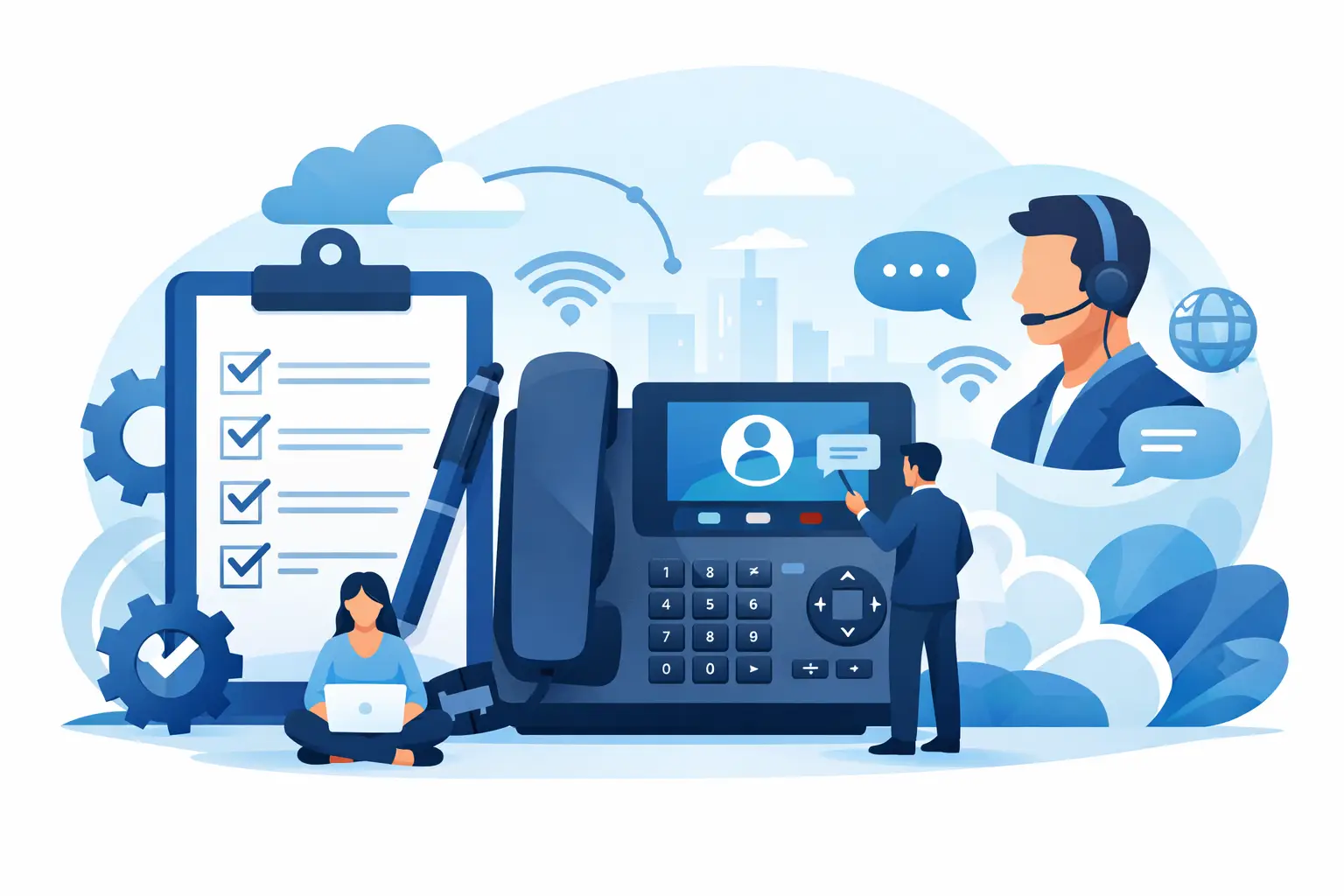
A phone system replacement usually looks simple until the first missed customer call, broken call queue, or confused staff rollout. That is why a solid VoIP implementation checklist for business matters. The right plan does more than get phones online – it protects customer experience, controls costs, and gives your company a system that can grow instead of holding operations back.
For most businesses, VoIP is not just a telecom change. It affects sales, support, remote work, reporting, compliance, and how quickly your team can respond to customers. If the implementation is rushed, the savings can get buried under disruption. If it is planned correctly, you can cut telephony costs, improve visibility, and build a communications platform that supports growth.
What a business VoIP implementation should accomplish
A good rollout is not measured by whether handsets ring. It should reduce operational friction, improve call handling, and make administration easier than your legacy setup. That means looking beyond dial tone and asking what the business needs six months from now, not just on go-live day.
For a small business, that may mean simple call routing, mobile apps, voicemail-to-email, and lower monthly spend. For a multi-site company, it may include centralized administration, location-based call flows, advanced reporting, CRM integration, AI-enabled call handling, and stronger continuity planning. The checklist should reflect your operating model, because the best phone system design for a 15-person office is rarely the right design for a 300-user organization.
VoIP implementation checklist for business planning
Start with the current environment. Before choosing features or pricing, document what you have today and what is not working. Most businesses know they want better flexibility or lower costs, but that is too broad to guide implementation.
Review your call volumes, busiest hours, extension structure, auto attendant menus, hunt groups, call queues, remote users, conference needs, fax requirements if any remain, and existing carrier contracts. It is also worth identifying pain points clearly: dropped calls, limited reporting, poor support, inflexible routing, expensive changes, or lack of redundancy. These details shape system design and prevent expensive rework later.
Next, define business outcomes. If your goal is to save up to 50% on telephony spend, your provider should be able to map the cost difference between your current environment and the new one. If the goal is customer experience, then queue strategy, IVR design, after-hours routing, and response workflows should be part of the implementation scope from the start.
Stakeholder alignment is where many projects either stay on track or start slipping. IT may focus on network readiness and security. Operations may care more about call flow and business continuity. Department leaders may want direct numbers, reporting, or call recording rules. Get these priorities aligned early so the final system serves the business rather than just the technology.
Assess your network before migration
Call quality problems are often blamed on the VoIP platform when the real issue is local network performance. Before deployment, review bandwidth, router and switch capability, Wi-Fi usage, firewall settings, quality of service policies, and internet redundancy. A business with heavy cloud app usage, large file transfers, or multiple locations may need network changes before moving voice traffic.
This is also where trade-offs come in. Not every business needs major infrastructure upgrades. A small office with stable fiber and limited call volume may be ready with minor adjustments. A busy contact center or multi-site operation should take a more rigorous approach. The cost of pre-deployment testing is usually far lower than the cost of poor call quality after launch.
Power and continuity planning should be part of this stage too. Legacy systems often kept working during local outages in ways businesses took for granted. VoIP can offer stronger resilience, but only if failover routing, backup connectivity, and power protection are designed properly.
Choose the right users, devices, and features
Not every employee needs the same setup. A front desk user, a field manager, an executive assistant, and a remote salesperson all use business communications differently. Your implementation plan should map user roles to what they actually need.
Some teams work best with desk phones. Others will benefit more from softphones and mobile apps. In many cases, a mixed model makes the most financial and operational sense. Overbuying hardware drives up costs. Under-equipping customer-facing teams creates frustration and weakens adoption.
Feature planning deserves the same discipline. Auto attendants, ring groups, call queues, voicemail transcription, call recording, analytics, SMS, and integrations should be selected based on business use, not feature lists. AI-enabled tools can also add value, especially for routing, self-service, and handling repetitive call tasks. But they need to fit your customer journey. Automation that speeds response times is useful. Automation that creates dead ends is not.
Design call flows before go-live
One of the biggest mistakes in a VoIP project is treating call flow design as a minor setup task. It is not. Call flow is how customers experience your business when they call.
Map how inbound calls should be handled by department, location, time of day, and exception scenario. Decide what happens when no one answers, when offices close early, when a queue is overloaded, or when a site loses connectivity. Think through caller priorities and escalation paths. This is especially important for healthcare, legal, professional services, and any organization where missed calls directly affect revenue or service levels.
A better phone system should also deliver better reporting. Build reporting needs into the setup. If managers need queue data, missed call visibility, agent performance metrics, or recordings for training, define that before launch. Retroactively fixing reporting gaps can be time-consuming and avoidable.
Porting, provisioning, and timeline control
Number porting is often the most sensitive part of the project because it directly affects business continuity. Confirm which numbers are being ported, who owns them, what documentation is required, and whether any numbers should be retired or forwarded instead. Delays usually come from missing records, account mismatches, or unclear ownership.
Provisioning should be tracked in detail. That includes users, extensions, direct inward dial numbers, devices, licenses, emergency location data, voicemail settings, and routing rules. If you have multiple sites or departments, assign ownership for approvals so the project does not stall waiting on scattered decisions.
Set a realistic timeline. Fast implementations are possible, but speed should not replace validation. A phased migration can reduce risk for larger organizations, while smaller businesses may prefer a single cutover. The right approach depends on complexity, internal resources, and your tolerance for operational disruption.
Testing and training are not optional
Testing should happen before the final switch, not after complaints come in. Validate inbound and outbound calling, extension dialing, failover routing, voicemail, call queues, auto attendants, mobile apps, recordings, and emergency dialing. Test from different carriers and devices. If your business relies on integrations, test those in real workflows, not just in isolated demos.
Training is just as important. Even a well-designed system underperforms if employees do not know how to transfer calls, manage voicemail, use mobile apps, or handle queue activity. Keep training practical and role-based. Front office staff need different guidance than occasional users.
A strong support plan matters here. Businesses do not just need a provider that can turn on service. They need a partner that can answer questions quickly, handle post-launch issues, and adjust the system as operations evolve. That service layer is often what separates a successful rollout from a frustrating one.
After launch, optimize instead of standing still
Go-live is the start of the operating phase, not the finish line. Review the first 30 to 90 days closely. Look at call quality data, missed call patterns, queue performance, user feedback, and cost changes. You may find that some departments need different routing, more licenses, better reporting views, or a cleaner IVR structure.
This is also where a hosted, service-led provider can deliver more value over time. The system should adapt as your company grows, opens locations, adds remote staff, or introduces more automation. A modern business phone platform should support expansion without forcing another major replacement project.
For companies that want more than a basic dial tone replacement, this is the bigger opportunity. With the right implementation, your phone system can support faster response times, stronger visibility into customer interactions, and lower operating costs at the same time. That is the standard a business-grade deployment should meet.
If you are evaluating a migration, treat the checklist as a business planning tool rather than a technical formality. The companies that get the best results are the ones that define what success looks like before the first number is ported. A well-executed deployment should save money, reduce friction, and give your team a communications platform ready for the next stage of growth.